Masthead
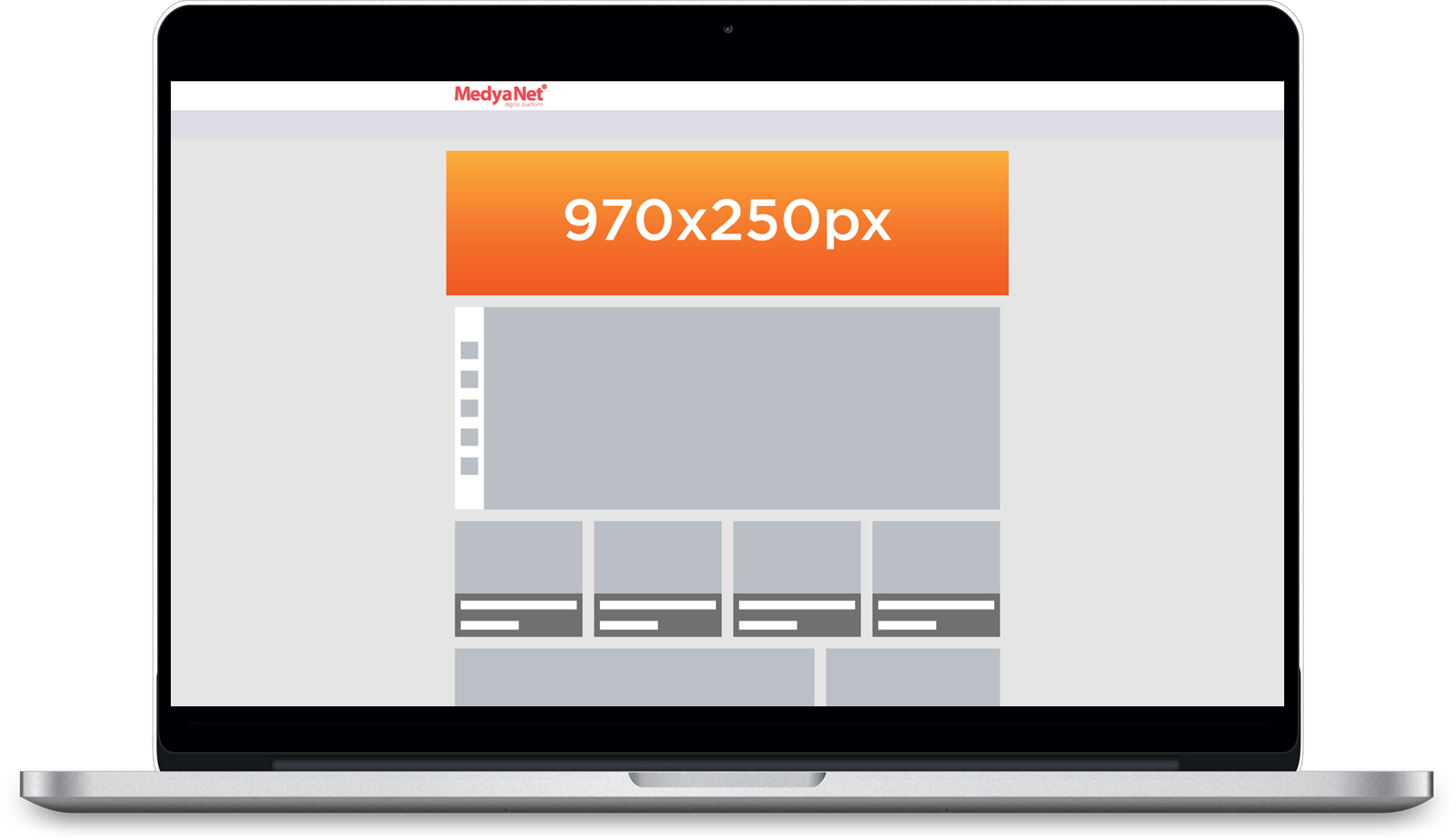
Here you can find all the information you need when developing your Masthead creative.
IMPORTANT!
Template
ClickTAG
For the click on the creative to be counted by the ad server, the Google Ad Manager clickTAG parameter must be implemented correctly. The simplest way to use this while preparing your creative is shown below.
Below you can find an example of a clickTAG implementation within an HTML document
<head>
<meta name="ad.size" content="width=970,height=250">
<script type="text/javascript">
var clickTag = "http://www.google.com";
</script>
</head> [Reklam öğesi kodunuzun geri kalanı buraya eklenir.]
In the ad example, the clickTAG variable should be used as the click-through URL:
<body>
<a href="javascript:window.open(window.clickTag)">
<img src="images/dclk.png" border=0> </a>
</body>Creative Types
Type | Description | Limitations |
|---|---|---|
Image | JPG, JPEG, PNG, GIF formats can be used. | Maximum 150KB. |
HTML | All JavaScript, CSS, and image files must be packaged in a single folder to work together. | Max 150KB excluding videos. With one video, total max 2MB. |
VİDEO MASTHEAD MODEL | 970x250 px JPG, JPEG, PNG, or GIF image + 640x360 video or YouTube link. The image should leave space for the video placement. Since autoplay is not enabled, a poster image may be used. For the poster, a 640x360 JPG, JPEG, or PNG image is required. Poster usage is optional. | The submitted image must not exceed 150KB. The submitted video must not exceed 2MB. |
Notes
1. In video models, the video must always start muted.
2. In video models, the final scene of the video must not end with a solid black screen.